
Local AI: your own server, colocation or a turnkey appliance
> Reading time: approx. 7 minutes · Who it is for: owners and IT staff at mid-sized manufacturers, maintenance managers, and people preparing a local AI deployment.
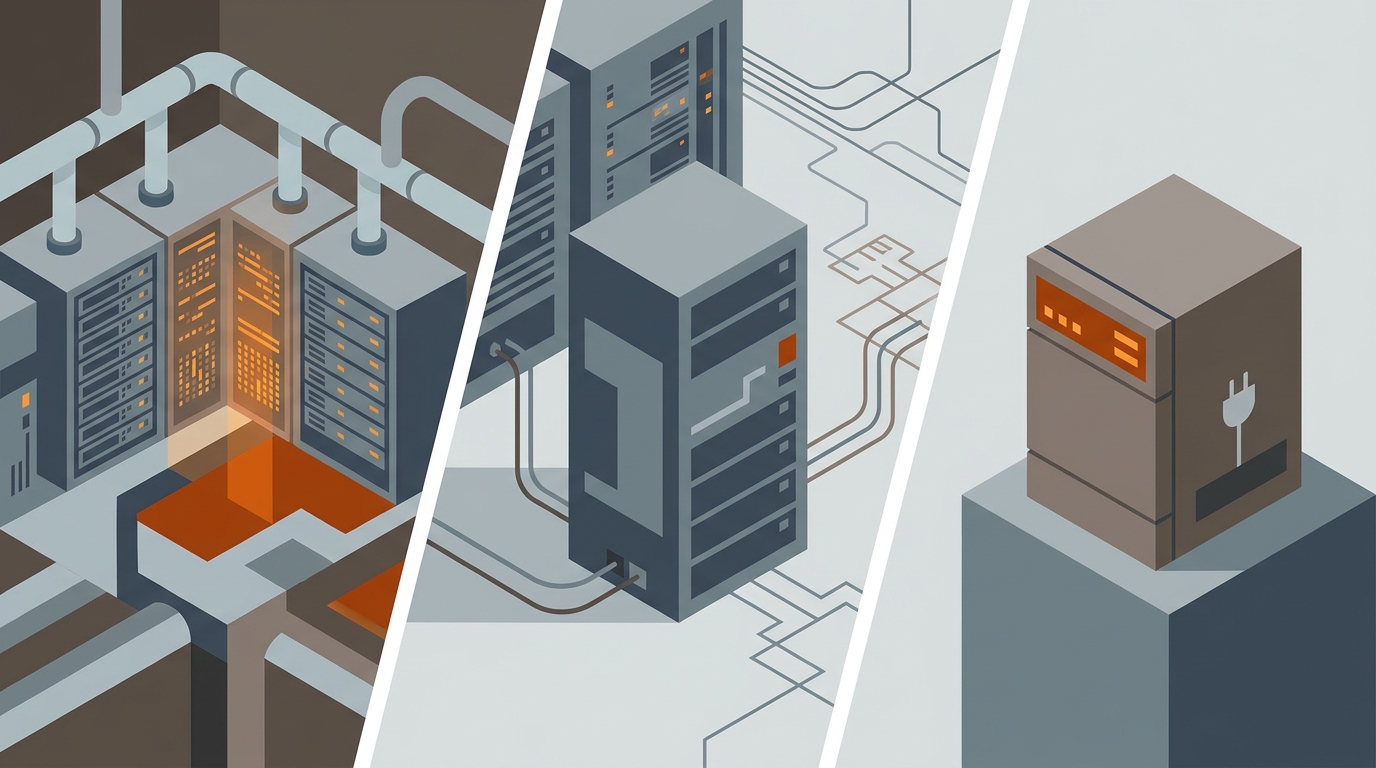
Assuming you have already decided that AI should run locally rather than in the public cloud, the practical question remains: where and how to place the hardware. There are three routes. Your own on-site server means full control and hardware in your own server room, but also your power, cooling and people. Colocation means your hardware, but standing in a professional data center, so you shed the infrastructure without giving up control of the model. A turnkey appliance is a ready device from a vendor: the fastest start and the least in-house knowledge, at the cost of fit and independence. The choice depends mainly on three things: how much you want to manage yourself, where the data may physically sit, and how fast you need to start. Below we break down each route, add a table, and say when each one wins.
| Factor | On-site server | Colocation | Turnkey appliance |
|---|---|---|---|
| Who builds and maintains it | you, hardware and software | you software, DC infrastructure | the vendor, turnkey |
| Where the hardware physically sits | at your site | in a data center | at your site |
| Power and cooling | yours | included in colocation | in the device |
| Time to start | longer | medium | shortest |
| In-house knowledge | high | medium | low |
| Control and fit | highest | high | limited to the offering |
| Cost | hardware plus upkeep | hardware plus hosting fee | turnkey: purchase or subscription |
Your own on-site server
- Full control over the hardware, data and configuration, all in your own server room.
- The best fit: you pick the cards, model and inference engine exactly to your needs.
- Data never physically leaves the company, which simplifies some security questions.
- Once bought, the hardware is yours, with no external hosting fee.
- The highest entry barrier and the most in-house knowledge: hardware and software are on you.
- Your power, cooling and upkeep, costs easy to underestimate.
- A longer time to start than the other two routes.
- Scaling means buying and wiring in hardware yourself.
A turnkey appliance
- The fastest start: hardware and software arrive integrated, turnkey.
- The least in-house knowledge needed to launch and maintain it.
- A predictable cost, often as a purchase or a subscription.
- It usually sits at your site, so the data stays in the company.
- You adapt to the vendor's offering, with less freedom in choosing the model and configuration.
- Dependence on a single device vendor and its price list.
- Limited scaling, within what the manufacturer offers.
- Less control over what changes inside, and when.
On-site server: full control, full responsibility
An on-site server is classic on-premise in the literal sense: you buy the hardware and place it in your own server room. It is the route with the highest control, because you pick the cards, model and inference engine exactly to your needs, and the data never physically leaves the company. The price of that control is just as real: you take on not only the purchase but also the power, cooling, upkeep and the people to set it up and watch over it. It is the most in-house knowledge and the longest time to start of the three routes. It makes sense when you have an IT team and a server room, and control and fit are a hard requirement for you. How much hardware a given model actually needs we broke down in the note on local LLM hardware requirements.
Colocation: your hardware, someone else's server room
Colocation is the middle route, the one most often forgotten in this decision. The hardware is yours, you buy the same cards as with an on-site server, but it stands in a professional data center. That lets you shed all the physical infrastructure: power, cooling, connectivity and physical security sit with the data center, while you manage only the model and the software. It is a good route when you want your own hardware and full control of the model, but you do not want to build and run a server room. There is one catch to consider: the data physically leaves your location and sits in someone else's building, though on your own, isolated hardware. If your security policy requires data in your physical location, this point has to be checked, which we cover more in the on-prem or cloud comparison.
Turnkey appliance: fastest and ready-made
A turnkey appliance is a device supplied by a vendor with integrated hardware and software. It usually sits at your site, so the data stays in the company, but the vendor builds and configures the whole thing. For a company that does not want to build its own hardware competence, it is the fastest route to working local AI and the least in-house knowledge needed to start. The price is on the side of freedom: you adapt to what the manufacturer offers, you have less control over the choice of model and configuration, and scaling happens within their offering. It is a sensible choice for a first deployment and where time matters more than maximum fit.
Three questions that settle it
Start with how much you want to manage yourself. If you have a team that will set up and maintain the hardware, an on-site server is within reach. If not, the routes that require your own hardware operation drop out. The second question is about the data: can it physically sit outside your location. If yes, colocation is in play, if not, an on-site server or an appliance at your site remain. The third question is time: how fast you need a working solution. The greater the pressure for a fast start and the less in-house knowledge, the more a turnkey appliance wins. The same order-of-decision logic returns in our ten questions before the RFP: the hard constraint first, then cost, convenience last.
What this comparison does not cover
This comparison assumes the decision to go local has already been made, and shows how to place it. We do not settle the on-premise versus public cloud choice here, because that is the earlier decision, which we broke down in a separate comparison. Do not confuse it either with the choice of whether to build your own solution or buy a ready one from a vendor, because that is a different axis, laid out in the build vs buy comparison. We do not go into choosing specific cards or model sizing, because that is a separate, technical topic. We also do not give amounts, because every calculation depends on your volume and starting point.
Related
- On-prem or cloud AI for a factory: what to choose and when
- Local LLM on a company server: what hardware you need (GPU, VRAM)
- Build vs buy AI for a factory: build your own or buy off-the-shelf
- How to choose an AI vendor for manufacturing: 10 questions before the RFP
- How to assess your manufacturing company's readiness for AI: 5 questions
Verdict
If you have an IT team and a server room and you need maximum control and fit, your own on-site server wins. If you want your own hardware but do not want to run a server room, colocation is best. If the fastest start with the least in-house knowledge matters most, choose a turnkey appliance. This is not the on-premise versus cloud choice, which is settled earlier, but the decision of how to place local AI.