
How to prepare technical documentation for AI: DTR, manuals and standards
An AI assistant's answer quality depends more on the state of your documentation than on the model. Six steps that turn DTR, manuals and standards into a base the assistant actually uses.
In this note
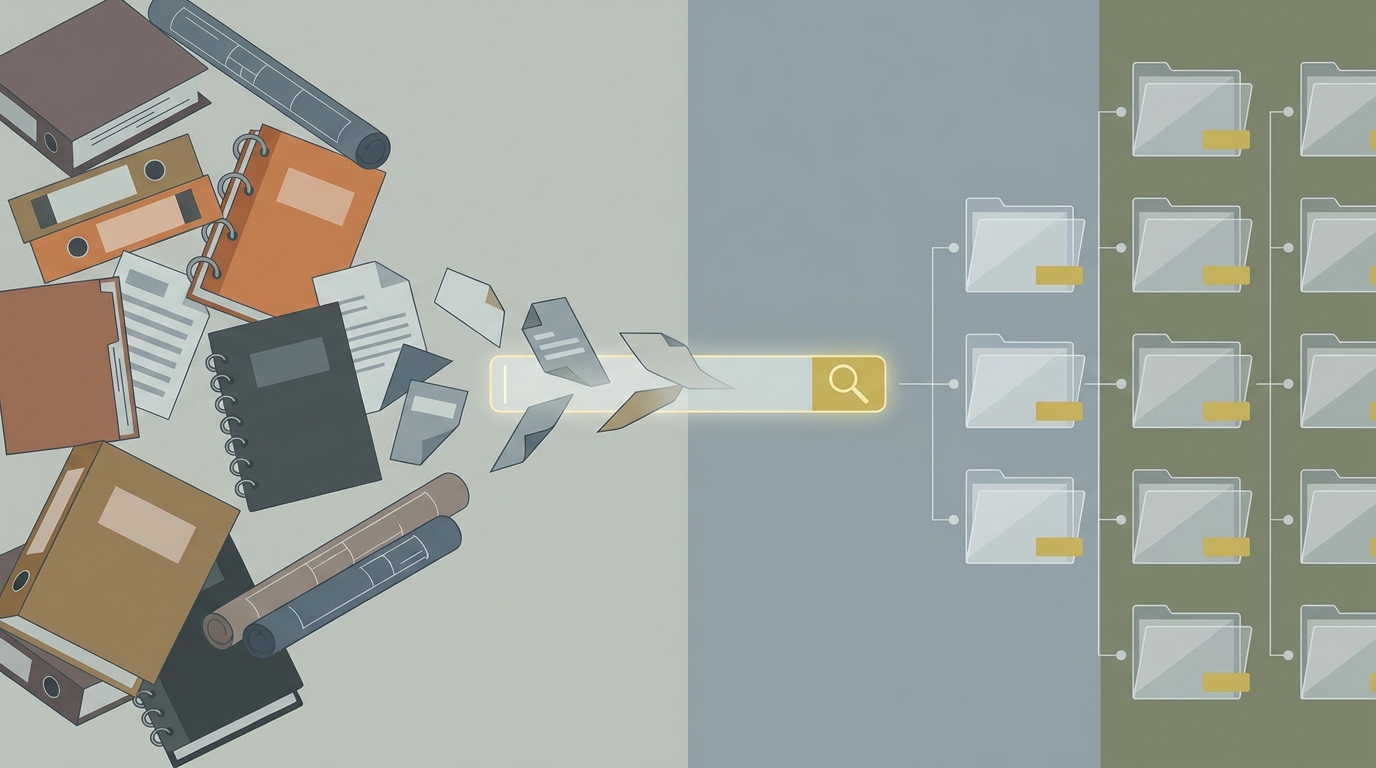
How to prepare technical documentation for AI: DTR, manuals and standards
Reading time: approx. 7 minutes
Short answer: the quality of an AI assistant's answers depends more on the state of your documentation than on the model itself. Before any integration works, the documentation has to be searchable, meaning text rather than an image-scan, gathered into one source, consistently structured per machine or topic, versioned, and tagged with basic metadata. You also have to decide deliberately what goes in (DTR, manuals, standards, service history) and what to leave out (duplicates, outdated versions, sensitive data). This is mostly organising work, not AI work, but it is what decides the result. Below we break it into six steps.
Why the preparation decides, not the model
The rule is simple: a model answers only as well as the source you give it. If the documentation is incomplete, contradictory or not searchable, even the best model will guess or fabricate. In AI-supported search (RAG), answer quality is decided above all by retrieval, that is, whether the system finds the right fragment at all. And retrieval is only as good as the data underneath. So the order is always the same: organised documentation first, the tool second. What specifically decides quality on the mechanism side we broke down in RAG without hallucinations.
Step 1: decide what actually goes in
Before you scan anything, set the scope. It is usually worth including the machines' operating and maintenance documentation, work and operating manuals, standards and customer requirements, datasheets, and the history of service and solved problems. Just as important is what not to put in: outdated versions, duplicates, purely legal documents with no technical value, and sensitive data that should not reach the search index. A narrower but clean set works better than a broad, cluttered one. What a DTR actually is and contains we broke down separately in the note on operating and maintenance documentation.
Step 2: make it text, not an image
The single biggest barrier is scans. A scanned PDF looks like a document, but to a search engine it is an image in which nothing can be found. The documentation has to go through OCR, text recognition, to become searchable. Drawings and diagrams stay images, but it is worth adding a short text description to each, because that is what lets them be found. Without this step the rest of the work does not matter, because the system simply will not look inside the content.
Step 3: one source and a consistent structure
A typical company keeps documentation in several places at once: paper, folders on a drive, mailboxes, technicians' heads. For AI this has to be brought to one source, so there is no doubt which copy is current. On top of that comes a consistent structure, most often per machine or per topic, with predictable file naming. It does not have to be a sophisticated system, it just has to be single and consistent. Chaos in the structure translates directly into chaos in the answers.
Step 4: versioning and currency
Documentation lives: machines are modernised, manuals updated, standards changed. If three versions of the same manual sit side by side with no mark of which is current, the system will mix them in its answers. So you have to mark versions and dates and retire outdated documents from the set the model uses. The most common mistake is leaving old versions „just in case", because they are the ones that later come back as bad hints.
Step 5: the metadata that makes a difference
Metadata is a short note about a document: which machine it concerns, what type it is (DTR, manual, standard), its date and its language. For a human this is obvious from context, for a search engine it is concrete help, because it lets the search narrow to the right machine and document type instead of searching everything at once. Well-described metadata can improve answer relevance more than changing the model. This is where the mechanism we described in RAG for technical documentation comes together.
Step 6: permissions and what is visible
Not every document should be visible to everyone. Customer requirements under NDA, personal data or commercial terms need access control, so the assistant does not show them to someone who should not see them. It is worth deciding up front who sees what, and reflecting that in the structure and permissions. This is a topic that ties organising knowledge to security, covered further in the note on managing service knowledge.
How much you need, and what you do not
You do not have to prepare everything at once. It is more sensible to start with one family of machines or one well-described area, and only add more once it works. A narrow, organised set gives better results than a broad, chaotic one, and it also shows faster whether it works at all. How much data you actually need for the search to have something to draw on depends on product variety, not on a single magic number, which we cover in the realistic sizing of an assistant.
What this post does not cover
This is a guide to preparing documentation, not a guide to configuring tools. We do not go into chunking, the choice of embedding model or retrieval settings, because that is a separate, technical topic. We also do not repeat what a DTR is, because we broke that down separately, nor do we settle whether to run the solution on your own site or in the cloud. The focus here was one thing: how to bring documentation to a state where AI has anything to draw on at all.
Related
- Operating and maintenance documentation (DTR): what it contains and where AI helps
- RAG for technical documentation: how AI uses the technical manual and machine instructions
- RAG without hallucinations: chunking, retrieval and what decides answer quality
- How much data an AI assistant in a technical office needs: realistic sizing
- AI for managing service knowledge: how to feed the system and where the limits are
FAQ
Where do you start preparing documentation for AI?
With deciding what actually goes in, and with digitisation. Narrow the set to current, valuable documents for one family of machines, run the scans through OCR, and gather them in one source. The rest of the steps, structure, versions and metadata, build on that.
Do you have to prepare all the documentation at once?
No. It is better to start narrow, with one area or family of machines, check that it works, and only then add more. A narrow, organised set beats a broad, chaotic one.
Are PDF scans enough?
No, if they are images. A scan looks like a document, but a search engine will not find text in it until it goes through OCR. Only recognised text is searchable.
What improves answer relevance the most?
An organised source and good metadata, that is, marking which machine and document type a file concerns. That often gives a bigger improvement than changing the model itself, because it helps the system find the right fragment.
Related notes
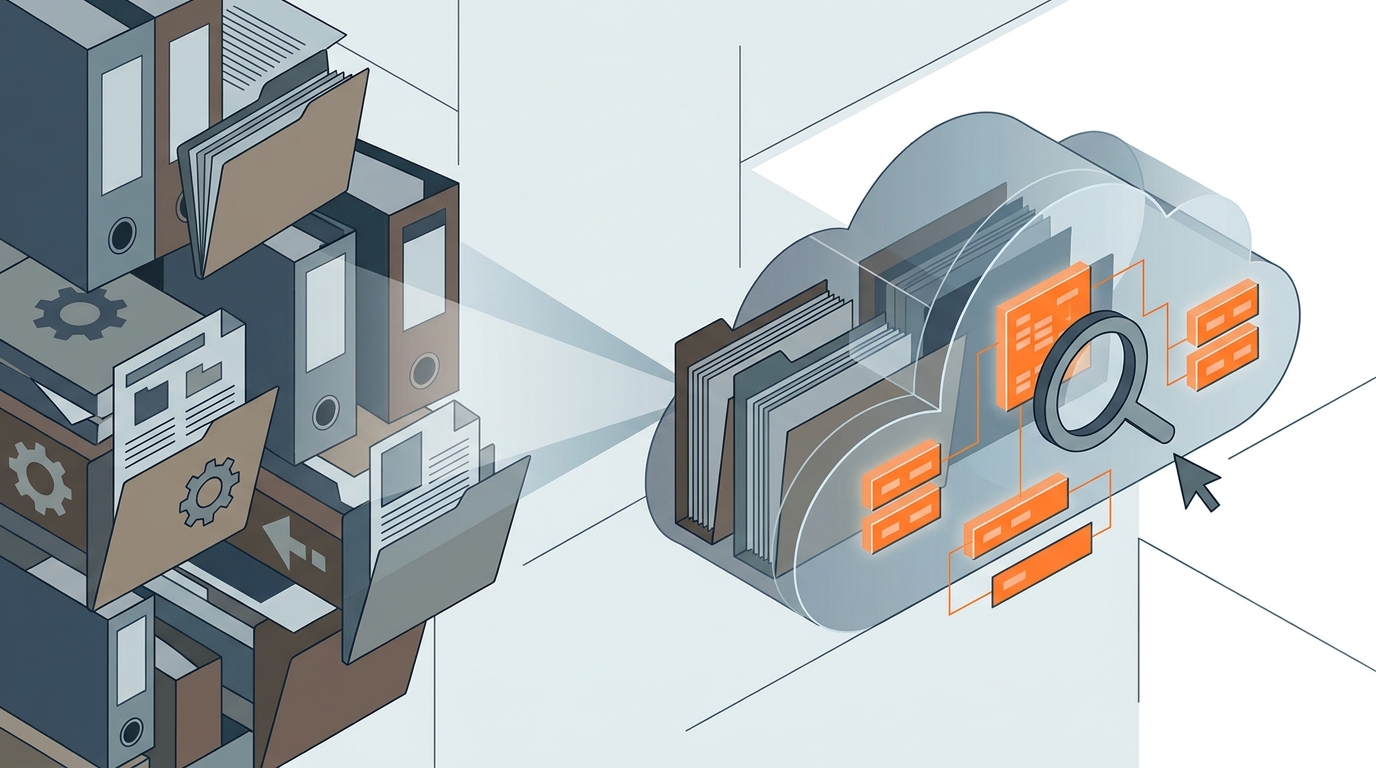
Machine operating and maintenance documentation (DTR): what it contains and where AI helps
A machine's DTR is the full pack: build, operation, maintenance, safety. What it really contains, how to organise it, and where AI genuinely helps, and where it does not.
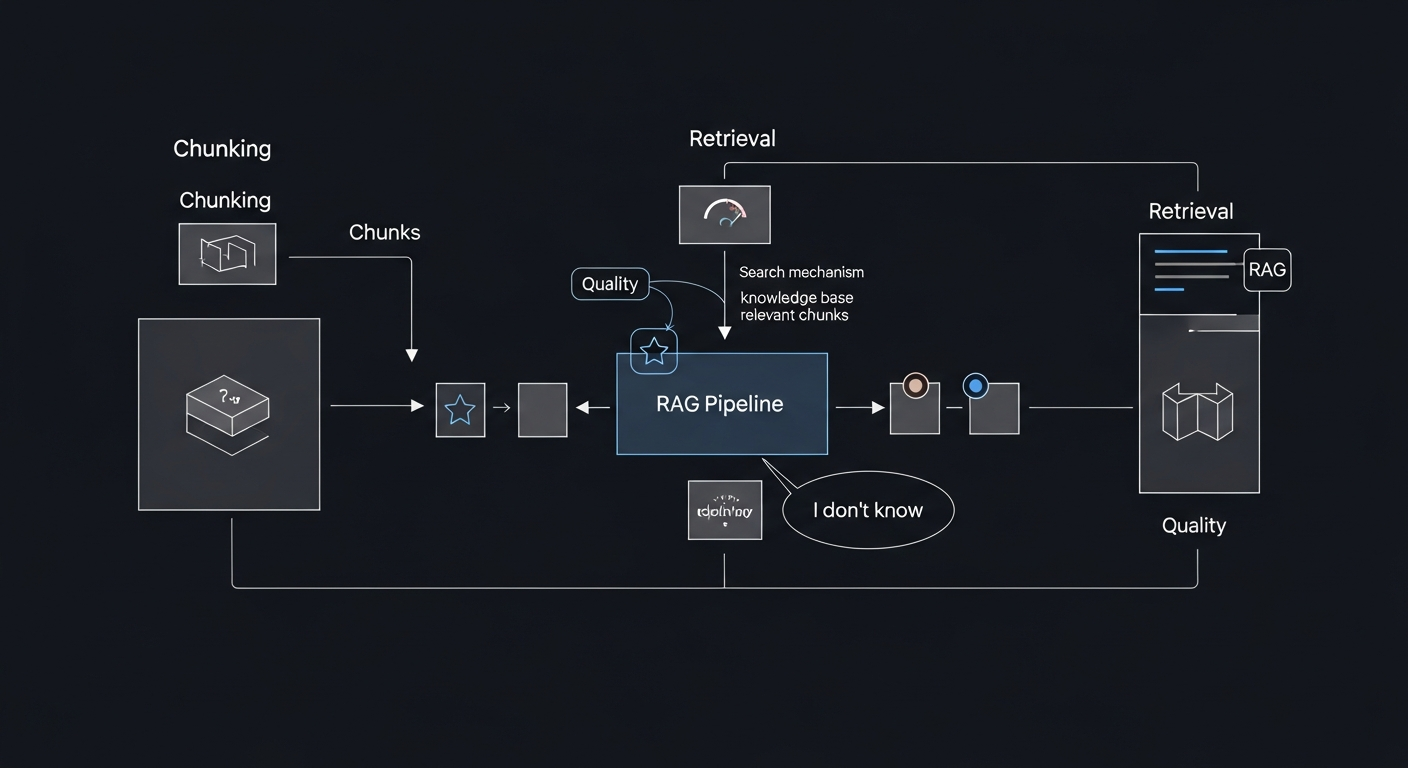
RAG Without Hallucinations: Chunking, Retrieval and What Drives Answer Quality
Why RAG sometimes gets it wrong and how to limit it. Chunking, embeddings, reranking, designing the "I don't know" answer, and how to measure quality before you trust the answers.

RAG for Technical Documentation: How AI Uses Your Manuals and Service Records
How to make AI answer from your own documentation (manuals, technical sheets, service records) instead of from memory. What RAG is, why it fits technical documentation, and where its limits are.