An AI assistant in the design office: faster, without leaking know-how
> Reading time: approx. 7 minutes · Who it is for: design and engineering office managers, owners of manufacturers weighing up AI on the engineering side, people responsible for protecting technical know-how.
Context
Work in a design office is largely work with text and documents: technical descriptions, notes for drawings, specifications, bills of materials, customer correspondence, translations. These are exactly the tasks where public language models are most tempting, because they turn an hour of work into a few minutes. On top of that come three things that make this a hard ground for automation: much of the engineering knowledge is unwritten and sits in the heads of two or three senior people, the inputs are messy (a scanned PDF, a phone photo, a hand sketch), and the cost of a mistake is high, because an error in a dimension ends as a mis-made part and a complaint. In this reality shadow AI, meaning the use of public tools outside the IT department's knowledge, appears on its own. Under deadline pressure an engineer pastes a description, a customer email or a documentation fragment into a free chatbot, because it is the fastest route to a result. This page describes one workflow that answers both matters at once: it takes the same tedious tasks off the engineer and at the same time means the data does not have to leave the company.
Problem
Two problems are intertwined here, which is why solving them separately fails. The first is the cost of time. An engineer spends a surprising number of hours searching (which standard holds that clause, how did we solve a similar joint three years ago, where is the datasheet for this profile) and writing repetitive documents from scratch. This work is tedious, low in creativity and easy to postpone under pressure, so the completeness check is the first thing dropped. The second is know-how leaking through shadow AI. When an engineer pastes a problem into a public tool, they rarely paste the file alone. They paste the context: what it is for, which material, which customer requirement, what could not be solved before. That is the company's know-how, not the geometry, which could be recovered from a finished product anyway. The second sensitive stream is customer data inside the query: the recipient's name, commercial terms, an email pasted in full. A ban written into the policy will not stop this, because it does not remove the reason people reach for these tools. It changes only one thing: the employee stops talking about it, and the phenomenon goes deeper.
Solution
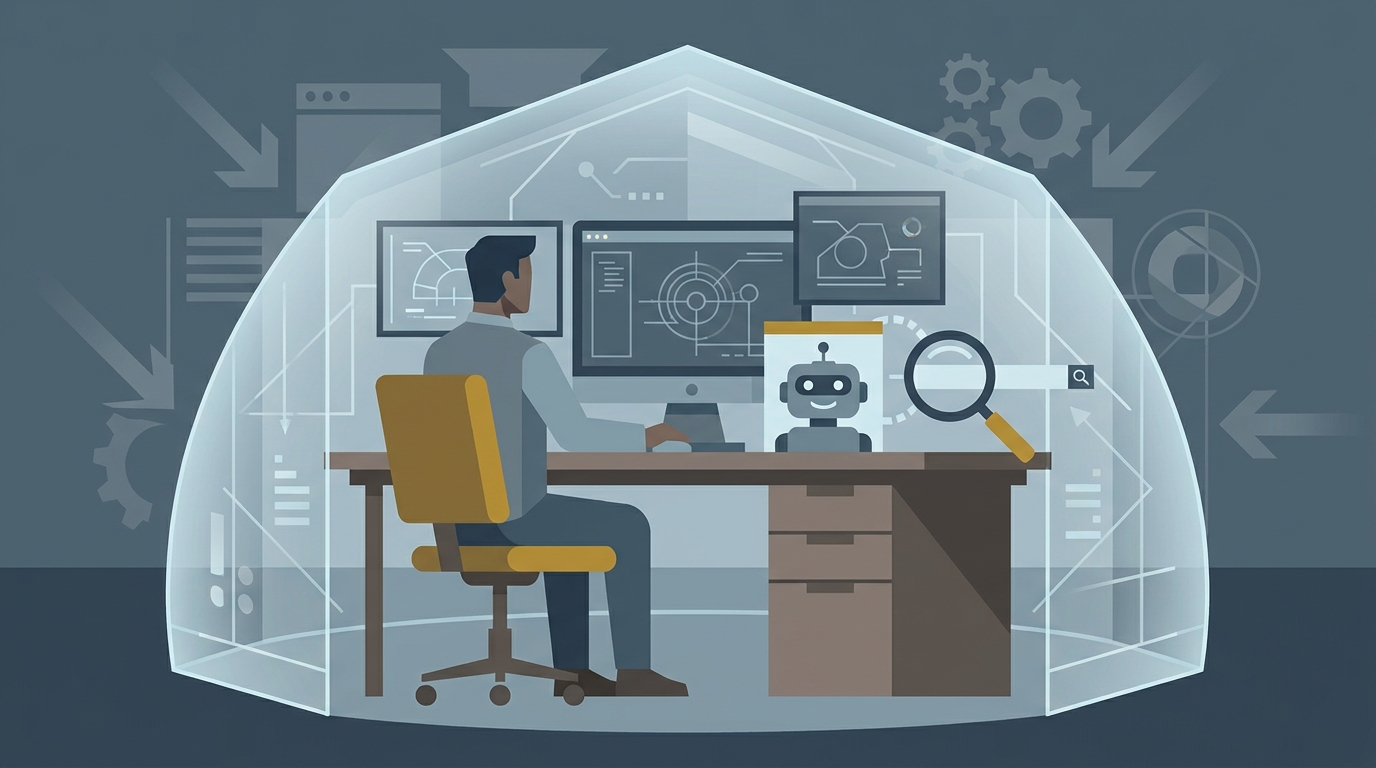
Instead of a ban, replacement. If people reach for public AI because it solves a real task, you have to give them a tool that solves the same task without sending data outside. In practice this is a controlled AI assistant plugged into the company's document repository, running as retrieval-augmented generation (RAG) over the company's own documentation: standards, datasheets, project history, earlier descriptions and specifications. Such an assistant does four things that genuinely work today in Polish conditions, given a sensible scope: it searches and summarises documentation with a source to check, it drafts descriptions, specifications and translations from the project data, it checks completeness and consistency (does the drawing have every view, does the bill of materials match the model), and it helps pull the parameters needed for a first-pass estimate from the documentation. The common denominator is always the same: AI prepares, organises and suggests, while the decision and the responsibility stay with a person. The key is that the content never leaves the company's infrastructure, so the reason an engineer reached for a public tool disappears. When the internal assistant is at least as convenient as the public one, the motivation to bypass the rules vanishes on its own.
How it works (workflow)
1. **The engineer asks a question or sets a task.** „Find how we solved a similar joint", „draft the technical description for this offer", „check whether this set is complete". The entry point is an ordinary daily action, not a separate system to operate. 2. **The assistant searches the company repository (RAG).** The model pulls the most related fragments from the company's own documentation: standards, datasheets, previous projects and descriptions, and gives a source to open and check. Retrieval decides the quality, not the model alone. 3. **It prepares a first version.** From the data found it drafts a description, specification or translation, or lists the gaps after a completeness check. The engineer gets a starting point instead of a blank page. 4. **It flags uncertainty.** When the input is poor or incomplete, a mature assistant marks what is missing instead of inventing a dimension that is not on the drawing. 5. **A person reviews and approves.** The engineer corrects the result, discards false trails and takes responsibility for what goes further. AI narrows, a person decides. 6. **The data stays in house, and approved documents feed the repository.** Nothing leaves the building, and each closed project improves the hints for the next. The loop closes, and the shadow AI channel loses its reason to exist.
Why a design office is hard, yet worth it
Automation likes tasks that are repetitive, well documented and have a clear test of correctness. A design office breaks all three: the knowledge is largely unwritten, the inputs are messy, and the cost of a mistake is high. The conclusion is not that AI has no place here, but that a sensible deployment aims at specific, well-bounded tasks rather than at „replacing the engineer". Paradoxically, the very things that make the office hard ground for full automation make it excellent ground for an assistant: a lot of text work and a lot of scattered knowledge worth finding fast.
What such an assistant really automates
Four uses work today, given a sensible scope and an engineer keeping a hand on the wheel. Searching and summarising documentation cuts a quarter of an hour of hunting to a dozen seconds and gives a source. Drafting descriptions, specifications and translations turns writing from scratch into correcting a first version. Checking completeness and consistency catches gaps that people skip under time pressure, because the tool does not tire by the twentieth drawing. Helping with a first-pass estimate pulls the parameters for labour and material out of the documentation, giving the offer process a starting point. More on the last one in the note on going from a technical drawing to a quote, and on what documentation control actually catches in AI in technical documentation quality control.
What AI only promises
A few promises look good on a slide and work on a carefully chosen example, but do not yet hold up in daily office life. Generating a finished 3D model from one sentence works on simple solids, not on a real detail with tolerances and a history of decisions. Full automatic interpretation of any drawing is not the same as reading a scan with handwritten notes and dimensions in three conventions. Autonomous variant work for a new customer breaks on rules nobody wrote down. The mechanism is always the same: the demo shows the best possible case on data prepared for the show, and the tool's value depends on how it handles your most typical mess.
Where know-how actually leaks and why a ban does not work
It is worth separating real risk from imagined risk. The most common and most underrated leak is not a single drawing but context: what it is for, which material, which customer requirement, what could not be solved before. The second sensitive stream is customer data inside the query, where the risk is double, both internal and contractual. The geometry itself or a single dimension is most often exaggerated, because it can be read from the physical part anyway.
The typical first reaction, a ban in the policy, addresses the symptom, not the cause. An engineer does not reach for public AI out of disregard, but because they have a real task and a tool that shortens it. A ban changes neither the task nor the time pressure, it changes only that the employee stops talking about it. So the effective response is replacement, not prohibition: an internal assistant that solves the same problem without sending data out, plus a short, understandable rule on what may be pasted and what may not. Whether to build or buy such an assistant we broke down in the build vs buy comparison, and the mechanism of working safely on your own documentation in the note on RAG for technical documentation.
How to judge an offer without the marketing
Before deciding, it is worth asking the vendor four questions. What data do I test this on, where a good answer is your own typical drawings and documents, including the ugly ones. Where does the automation end and the human begin, because an honestly marked approval point is more credible than a promise of full autonomy. What happens when the input is poor, because a mature tool flags uncertainty instead of inventing. And where does our data end up, because in a design office the documentation is often the core of the company's edge. The same order of questions returns in our ten questions before the RFP.
Where to start
The most sensible first decision is not the choice of a tool but the choice of one narrow task that hurts most and can be measured. Searching documentation or drafting technical descriptions is a good start, because the risk is low and the effect shows in weeks. If you are not sure whether the company is ready for such a step, start with five questions on AI readiness. The wider picture of uses, with a deployment order, is in the guide to five AI workflows in Polish manufacturing.
What this page does not cover
This is a description of one workflow and its limits, not a deployment guide or a tool comparison by name. We do not go into technical configuration, file formats or hardware requirements. We do not settle on-prem versus cloud, though in a design office the requirement to keep data in house can be hard (a separate topic we broke down in the on-prem or cloud comparison). We do not give numbers like „how much faster" or savings amounts, because they depend on your starting point. We also do not discuss regulatory obligations, that is a separate track.
Related
- Five AI workflows already paying off in Polish manufacturing
- Drawing-to-offer AI: from a technical drawing to a quote
- RAG for technical documentation: how AI uses the technical manual and machine instructions
- Build vs buy AI for a factory: build your own or buy off-the-shelf
- How to assess your manufacturing company's readiness for AI: 5 questions