AI in technical documentation quality control: what it catches, what it misses
AI in technical documentation quality control catches formal inconsistencies: drawing versus spec, gaps, wrong versions. We show what it catches, what it misses, and where a person stays in the loop.
In this note
Reading time: about 7 minutes · Who it is for: heads of technical and design offices, people responsible for documentation quality, owners of manufacturers weighing up AI for document control.
Contents
- What AI catches and what it misses: the short answer
- Why documentation quality control is such a grind
- What AI really catches
- What AI does not catch
- Where a person has to stay in the loop
- How to deploy it sensibly
- What this article does not cover
- Related
What AI catches and what it misses: the short answer
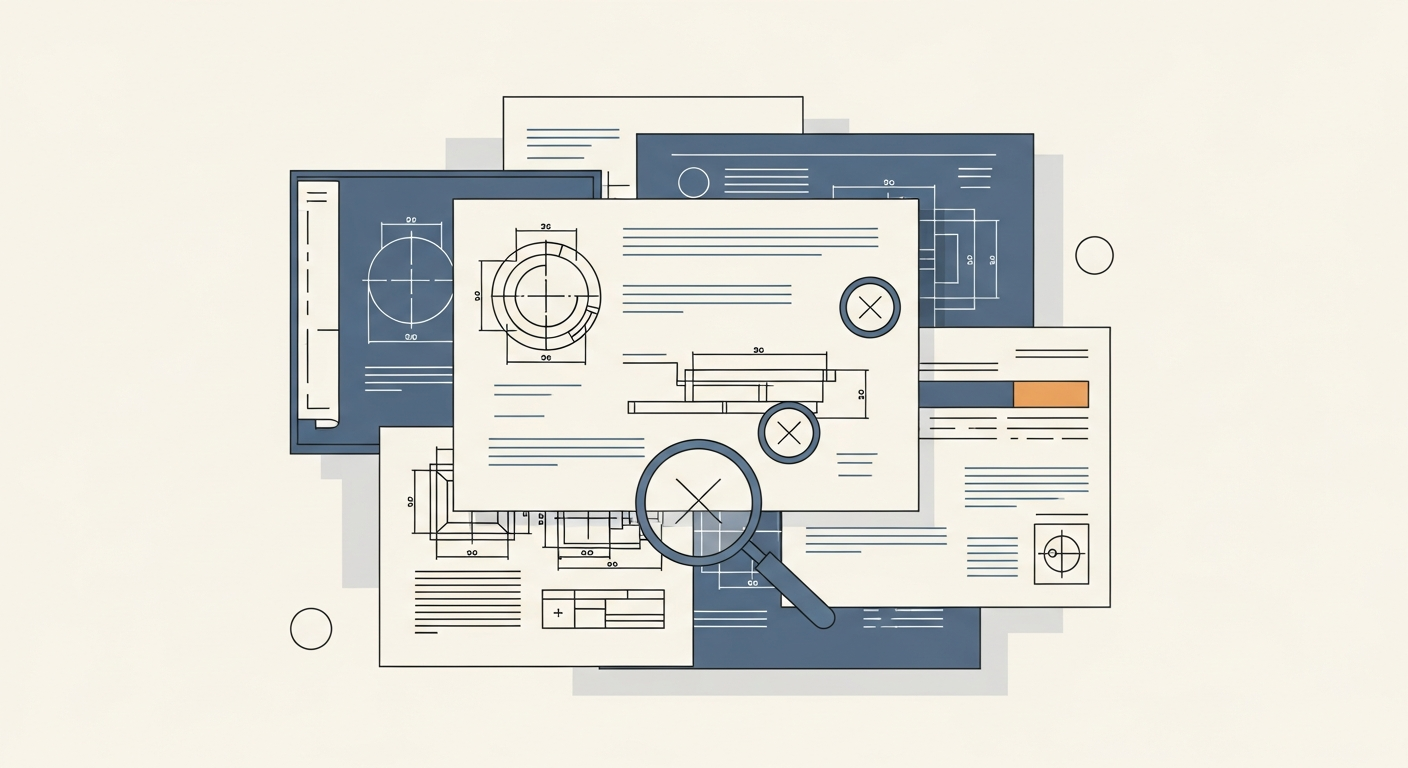
AI in technical documentation quality control is good at one kind of work: catching formal inconsistencies. A dimension on the drawing that disagrees with the specification, a missing view, a bill-of-materials line that has no match in the model, two different versions carrying the same drawing number, a unit given once in millimetres and once in inches. These are repetitive, tedious checks, which is exactly why people skip them under time pressure.
What AI does not catch: an error that is formally correct but wrong on the merits. A solution that passes every consistency check and is still wrong, because it contradicts engineering knowledge that lives in no document. Below we take both apart in concrete terms and show where a person has to stay in the process.
Why documentation quality control is such a grind
The documentation for a mid-sized product is not one file but a web of linked documents: assembly and detail drawings, specifications, bills of materials, the technical manual, instructions, datasheets. The same piece of information shows up in several places at once, and anyone can update each of them separately.
That is where most problems come from. Someone corrects a dimension on the drawing but not in the specification. A profile supplier changes, so the code in the bill of materials changes, but the note description stays old. Revision B of a drawing goes out, while revision A stays in the production pack. None of these errors is hard to spot on its own. The trouble is that there are many of them, scattered across dozens of pages, and the person checking the twentieth drawing at the end of the day simply loses focus.
This is exactly the kind of work where a tool does not tire. And exactly why it pays to know what such a tool really catches, and what only looks as if it catches.
What AI really catches
The uses below work today, provided the documentation is in a form the model can read and the output goes to a person for approval rather than straight to the shop floor.
Drawing versus specification
The model compares values that should agree across documents: dimensions, materials, tolerances, codes. If the drawing says one thing and the specification another, the tool flags it. This is the most common and most rewarding case, because the error is binary: it either matches or it does not.
Inconsistencies between versions
Comparing two revisions of the same document and listing what changed is a task where AI is fast and accurate. It helps most where a change was meant to touch one detail but happened to move something else that nobody knows about.
Gaps and incompleteness
Does the drawing carry every required view, does every item in the bill of materials have a position number, does the specification refer to a drawing that was not attached. Completeness checking is list work, and a model does it without tiring.
Inconsistent terminology, codes and units
The same part named three ways across three documents, units mixed within a single sheet, a standard code in an old format. Small things that mean nothing on their own and together turn the documentation into a source of mistakes on the floor.
Bill-of-materials drift
An item in the model that is missing from the list, and the other way round. Quantities that do not add up to the whole. This is a classic area of expensive errors, because they surface only when material is ordered or during assembly.
The common denominator: AI compares what can be compared and checks what can be checked against a rule. It does not judge whether a solution is good. It checks whether it is consistent.
What AI does not catch
This is where the limits the demo stays quiet about begin.
Errors that are formally correct, wrong on the merits
A dimension can be identical on the drawing and in the specification and still be wrong, because it was chosen without accounting for load or manufacturing method. To a model checking consistency, everything agrees. Judging whether the solution makes sense at all takes engineering knowledge, not a comparison of two numbers.
Knowledge that is not in the document
Why we stopped using a given variant after a complaint two years ago, which supplier we avoid, which detail we always do differently for a particular customer. That knowledge sits in a few people's heads, not in the documentation. A model will not catch the breach of a rule that was never written down.
Intent and the context of a decision
Sometimes an inconsistency is deliberate: the engineer knowingly departed from the standard because the case demanded it. The tool will report it as an error, though it is not one. Telling a deliberate decision from a slip is, again, a job for a person.
The model's confidence when it is wrong
This is the most important limit. A model can miss a real error and can report an error that is not there, and it will do both in the same calm tone. It does not signal "I am not sure here" the way a person would. That is why its output is a list of candidates to check, not a verdict.
Where a person has to stay in the loop
The sensible split of roles is simple: AI narrows, a person decides. The tool goes through the whole documentation and points to the places that look inconsistent. The person looks only at those places, instead of reading everything again, and decides what is a real error, what is a deliberate decision, and what is a false alarm.
This arrangement delivers a real saving without taking responsibility away from anyone. The risk appears only when someone starts treating the absence of flags from the model as a guarantee that the documentation is correct. It is not. It means only that the model did not find what it is able to find.
How to deploy it sensibly
The best first step is one narrow type of check that hurts most and can be measured. Drawing-to-specification agreement or bill-of-materials completeness is a good start, because the error is unambiguous and the effect shows at once.
The precondition is access to documentation in a form the model can read, and a tidy repository. It is the same foundation we described in managing service knowledge: without orderly sources no tool works sensibly. Document control is in fact a natural extension of the same area we covered in AI in the engineering design office: the same repository, the same engineer keeping a hand on the wheel, a different task.
The rest is a matter of setting the process so the model's output always passes through a person before anything reaches production.
What this article does not cover
This is an overview of the use case and its limits, not a deployment guide or a tool comparison. We do not go into specific products, file formats or hardware requirements. Nor do we cover quality control of the product itself on the line, which is a separate topic: here it is only about documentation. Questions of standards compliance we treat functionally, not as legal or normative advice.
Related
- AI in the engineering design office: what it really automates and what it just promises
- AI for managing service knowledge: how to feed the system and where the limits are
- AI for generating work instructions: how it works and what it costs
- Five AI workflows that already pay for themselves in Polish manufacturing
Related notes
How much data does an AI assistant in the technical office need: real sizing
What decides the quality of an AI assistant in the technical office is not gigabytes but the consistency of your sources. Real sizing: chunks, volume thresholds and why the naive setup fails.
AI in the engineering design office: what it really automates and what it just promises
A demo looks impressive, the daily reality of a design office is different. We break down which tasks AI really takes off the engineer and which stay slideware.
Drawing-to-offer AI: from a technical drawing to a price quote
Quoting from a technical drawing is a bottleneck that costs you orders. How AI cuts the cycle from days to hours, where the limits are, and what you need to make it work.