
AI service assistant and maintenance: what works, what does not
An AI service assistant is one of the few uses of AI in maintenance that pays off at a mid-sized factory without a three-year wait. Three uses that genuinely work, two that usually disappoint, who it pays off for, and where to start.
In this note
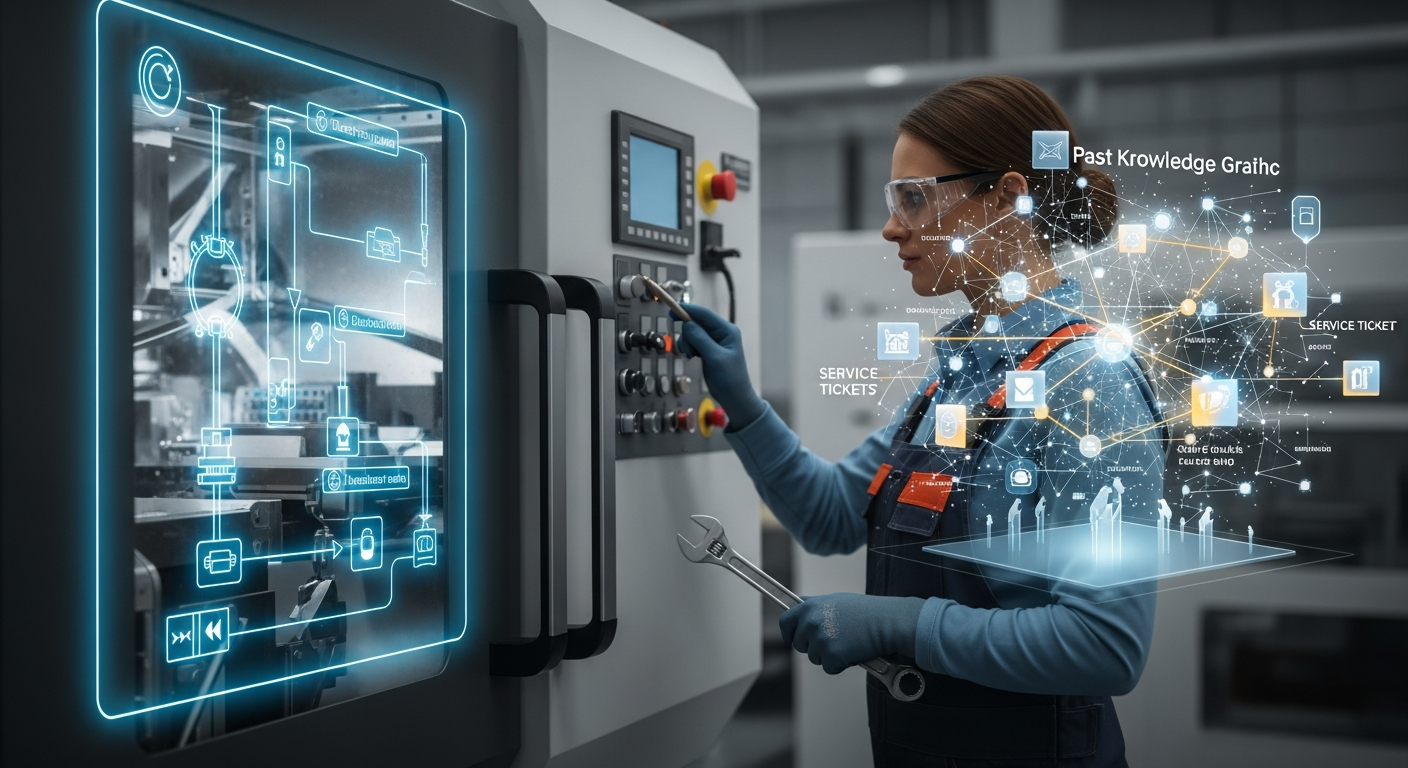
AI service assistant and maintenance: what works, what does not
Reading time: approx. 8 minutes · Who it is for: maintenance managers and heads of maintenance, service dispatchers, owners of mid-sized manufacturers weighing a first AI deployment.
Short answer: in maintenance and service, AI pays off most reliably where it runs on knowledge you already have, not on sensors you usually do not. The flagship use is a service assistant: on a fault report it narrows the context to the right machine, searches your repair history and documentation, and hands the technician likely causes with links to the sources. Alongside it, two more low-barrier uses genuinely work: cleaning up CMMS tickets and documentation access in natural language. What disappoints are the ones companies reach for first: full failure prediction „out of the box" and full automation of maintenance decisions. One principle ties it together: AI narrows, a person decides. And one entry condition: orderly documentation and ticket history.
What an AI service assistant is
Set the marketing aside. In practice it is a tool that, when a service request comes in (a machine fault, a defect, a question from a line technician), suggests resolution steps based on your own documentation: machine manuals, the history of past tickets, technicians' notes, technical data sheets.
Two words matter: „your own." The assistant does not guess from general world knowledge. It answers with what the company already knows but could not find quickly until now, because it was buried in a PDF on a drive, in one technician's head, and in emails from three years ago.
The real flow looks like this: a request appears („hydraulic pump on line 3 is losing pressure"), the assistant matches the symptom against similar past cases, points to the most common cause, lays out diagnostic steps from that specific machine's manual, and shows who last closed a similar ticket. The technician gets a starting point instead of a blank page. Where such a system should physically run, on your own infrastructure or in the cloud, is a separate decision we broke down in the comparison AI on-prem or cloud for a factory.
First, a distinction: AI in maintenance is not only prediction
The first mistake is equating „AI in maintenance" with „predictive maintenance." Failure prediction is just one application, and it happens to be the hardest to stand up in a mid-sized company, because it needs dense sensor data and a failure history tied to that data.
Most of the real value sits elsewhere: in knowledge, in documentation, and in the time a technician loses searching rather than fixing. These are areas where AI needs no stream of machine data, only what the company already holds on its drives and in people's heads. And that is where the uses that work begin.
What works: three uses that pay off
1. A diagnostic assistant built on your own failure history
The safest use is not prediction, it is cutting diagnosis time. When a machine goes down, a technician usually loses the first minutes, sometimes hours, establishing what the symptom is, whether anyone has seen it before, and how it was resolved last time. An assistant with access to ticket history, documentation, and service notes surfaces the most likely causes and earlier fixes for similar cases in seconds.
This is not magic, it is retrieval over your own data. The value comes from the fact that this knowledge is usually scattered across the CMMS, emails, and the memory of your two most experienced people. The assistant consolidates it and makes it available to the whole shift. The simplest way to measure the effect: average time from ticket to diagnosis.
2. Cleaning up and enriching CMMS tickets
The second use looks unremarkable and delivers out of proportion to its effort. CMMS tickets are usually a mess: „fixed," „same as above," three words with no context. AI helps a technician describe a ticket properly at closing (proposing structure, prompting for missing fields, suggesting a fault category) and can clean historical data too: normalize naming, group similar failures, flag duplicates.
Why it pays off: every properly described ticket feeds every future diagnosis. It is an investment that compounds over time. The longer the system runs, the better its suggestions, because the base grows and cleans itself.
3. Documentation and procedures in natural language
The third use is the end of digging through PDFs. A technician asks „what is the torque spec for this gearbox" or „what is the filter-change procedure on line 3," and the system answers with a specific from the technical sheet, manual, or internal procedure, with a link to the source. It frees your most experienced people from being a walking search engine and speeds up the less experienced part of the team.
The common denominator across these three: none requires sensors or a stream of machine data. All of them run on knowledge the company already holds. That is why they start fast and pay off predictably. How to keep the quality of that knowledge itself we cover separately in AI for service knowledge management.
What disappoints: two uses that rarely deliver
1. Full failure prediction „out of the box"
The most common disappointment is predictive maintenance bought as a finished product with a promise to „predict every failure." The problem is not the models, those work. The problem is the entry conditions.
Sensible prediction needs three things at once: dense sensor data (vibration, temperature, current draw), a history long enough that this data is linked to real failures, and machines critical enough that instrumenting them pays off. A mid-sized company rarely has all three. Most often it has data from a few machines, a short history, and failures too rare for a model to learn to recognize. The result: lots of false alarms, a fast loss of the team's trust, and a system nobody looks at after six months.
This does not mean „never." It means prediction makes sense selectively, on a handful of genuinely critical machines, with a real budget for sensors and the patience to gather data, not as an umbrella over the entire machine park.
2. Fully automating maintenance decisions
The second disappointment is the expectation that AI will plan inspections on its own, decide on replacements, and lay out the whole schedule with no human in the loop. It is tempting because it sounds like the biggest saving, and that is precisely why it usually fails.
Maintenance decisions depend on context the system cannot see: next week's production plan, parts availability, the fact that this machine is the bottleneck while that one has slack. AI supports these decisions well, it supplies data, signals, a risk ranking, but handing it ownership of the decision ends in either an excess of cautious inspections or missing things the model had no way of knowing. The right role is to support the maintenance manager, not replace them.
Why a mid-sized company in particular is a good candidate
A service assistant does not pay off the same way everywhere. In a very small company, one experienced person who „knows everything" is often enough and the tool's cost does not close. In a large organization with a mature CMMS and a dedicated reliability team, some of that value is already squeezed out elsewhere. A mid-sized company, roughly 50 to 500 people, sits in the middle, which is exactly where it hurts most:
- The knowledge exists, but it is scattered. You have a failure history, manuals, experienced people, but none of it is in one searchable place. This is not a lack-of-data problem, it is a lack of access at the moment the machine is down.
- Dependence on a few key people is a real risk. One or two technicians carry most of the real knowledge about the machine park in their heads. Their vacation, illness, or departure is an immediate operational problem. The assistant does not replace these people, but it pulls part of their knowledge out of their heads and into the system before they walk out the door.
- Ticket volume is large enough for the numbers to mean something and small enough to handle. Hundreds of tickets a month, not tens of thousands. That is the scale where shaving time off a single ticket produces a visible effect, and where deployment does not demand an enterprise budget.
How to count it in the business case
The simplest honest model: take the average handling time per ticket and multiply by the number of tickets per month. That is your baseline. On repetitive tickets, which are the majority, a well-deployed assistant shortens that time, and that is the first benefit line. Then come two that are harder to measure but real: reduced machine downtime (every hour saved is concrete money, easy to price) and lower dependence on individuals.
What not to put into this model if you want it to be credible: do not assume headcount cuts. The real value is handling more volume and harder cases with the same team, not layoffs. A business case built on „we will let two technicians go" usually does not hold up, and it poisons the trust of the team meant to work with the tool. The full return-calculation frame, with hidden costs, we laid out in ROI from AI in manufacturing.
What a service assistant will not do
Honesty builds trust in the whole concept, so a few things plainly.
The assistant will not repair the machine. It suggests, it does not execute. A human still diagnoses and decides, especially with unusual failures that are not in the history.
The assistant is only as good as your documentation. If the ticket history is three words per ticket („fixed, ok") and the manuals are incomplete, the tool will not conjure knowledge that is not there. The first weeks of deployment are often about tidying and digitizing what already exists, and that tends to be the most labor-intensive part.
The assistant will not replace a CMMS or the structure of your service process. It plugs into what you have, or fills gaps, but on its own it is not a maintenance management system.
Where to start if this sounds reasonable
A simple heuristic up front: start with the uses that run on knowledge, not on sensors. A diagnostic assistant, CMMS cleanup, and documentation access start from data you already have, pay off quickly, and build the base for prediction later if you want it. Treat prediction and decision automation as a second stage, once the data and process foundation is in place. The worst scenario is the reverse order: start with the hardest use, get disappointed after the first false alarms, and conclude that „AI in maintenance does not work." It does, just not where people most often begin.
Before you send an RFP to vendors, it is worth doing four things internally:
- Count the baseline. How many tickets per month, what is the average handling time, what does an hour of downtime on key machines cost. Without these numbers every offer will look equally good and equally empty.
- Check the state of your documentation. Open last year's ticket history and see honestly how much real content is in it. That will tell you more about readiness than any presentation.
- Pick a narrow scope to start. One line, one machine type, one team. A pilot on a limited slice gives you numbers for a decision in a few to a dozen or so weeks, without risking the whole operation. What genuinely fits into such a pilot we described in An AI pilot in a factory in 8 weeks.
- Decide who owns it on the company side. A tool without a steward who cares about data quality and adoption among technicians dies within three months, no matter how good it is technically.
Before you sit down with suppliers, the list of 10 questions before an RFP will also help.
What this post does not cover
This is a map of uses and their limits, not a deployment guide or a tool comparison. I do not go into specific products, file formats, or hardware requirements. I do not settle on-prem versus cloud, though in service the data can be sensitive and the architecture choice matters for cost; that is a separate topic. I do not give numbers like „how much faster" or savings amounts, because they depend on your starting point. Nor is this a guide to knowledge management as a process; a separate note leads that from the angle of base hygiene and ownership.
Frequently asked questions
How is a service assistant different from predictive maintenance? A service assistant runs on knowledge you already have (ticket history, documentation) and shortens diagnosis time on a ticket that has already appeared. Prediction tries to foresee a failure before it happens, based on dense sensor data. These are two different uses with different entry conditions; the assistant is much easier to stand up at a mid-sized company.
Does AI make the diagnosis and decide what to replace? No. AI narrows the context to the right machine, surfaces similar cases from history, and gives likely causes with links to the sources. The diagnosis and the repair decision are always made by a person. AI narrows, a person decides.
Do we need sensors and IIoT to start? Not for the three uses we describe as working. A diagnostic assistant, CMMS cleanup, and documentation access run on knowledge, not on a stream of machine data. Sensors are needed only for prediction, which we treat as a second stage.
How many tickets do you need for this to make sense? There is no single number. What counts is not so much volume as consistency of description and coverage of the faults that recur. It is better to start with one well-described family of machines than with a whole, chaotic archive.
Will the assistant cut maintenance headcount? That is not how to count it. The real value is handling more volume and harder cases with the same team and lower dependence on individuals, not layoffs.
Related
- AI for service knowledge management: how to feed the system and where the limits are
- RAG on service documentation: faster diagnosis in machine service
- ROI from AI in manufacturing: how to calculate it and what to leave out
- How to choose an AI vendor for manufacturing: 10 questions before an RFP
- AI on-prem or cloud for a factory: what to choose and when
Related notes
AI in a mid-sized factory in 2026: what stuck, what fell away
A review of the first half of 2026 in mid-sized manufacturers: which AI use cases made it into daily work, which stayed on the slide deck and what made the difference.
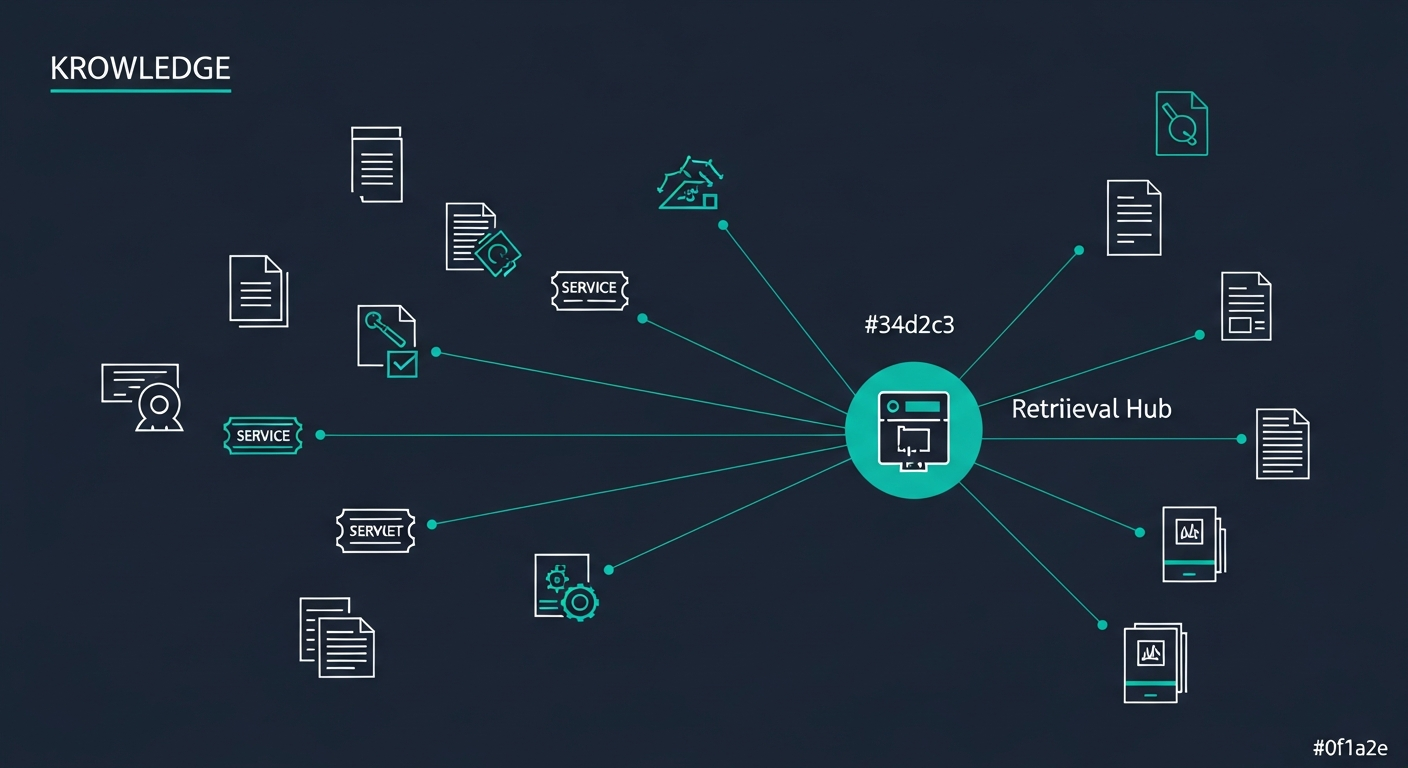
AI for Service Knowledge Management: Feeding the System and Its Limits
A service assistant is only as good as the knowledge you feed it. This post is about that knowledge: where it lives, how it reaches the model, why retrieval sometimes fails, and how to keep quality from rotting as ticket volume grows.
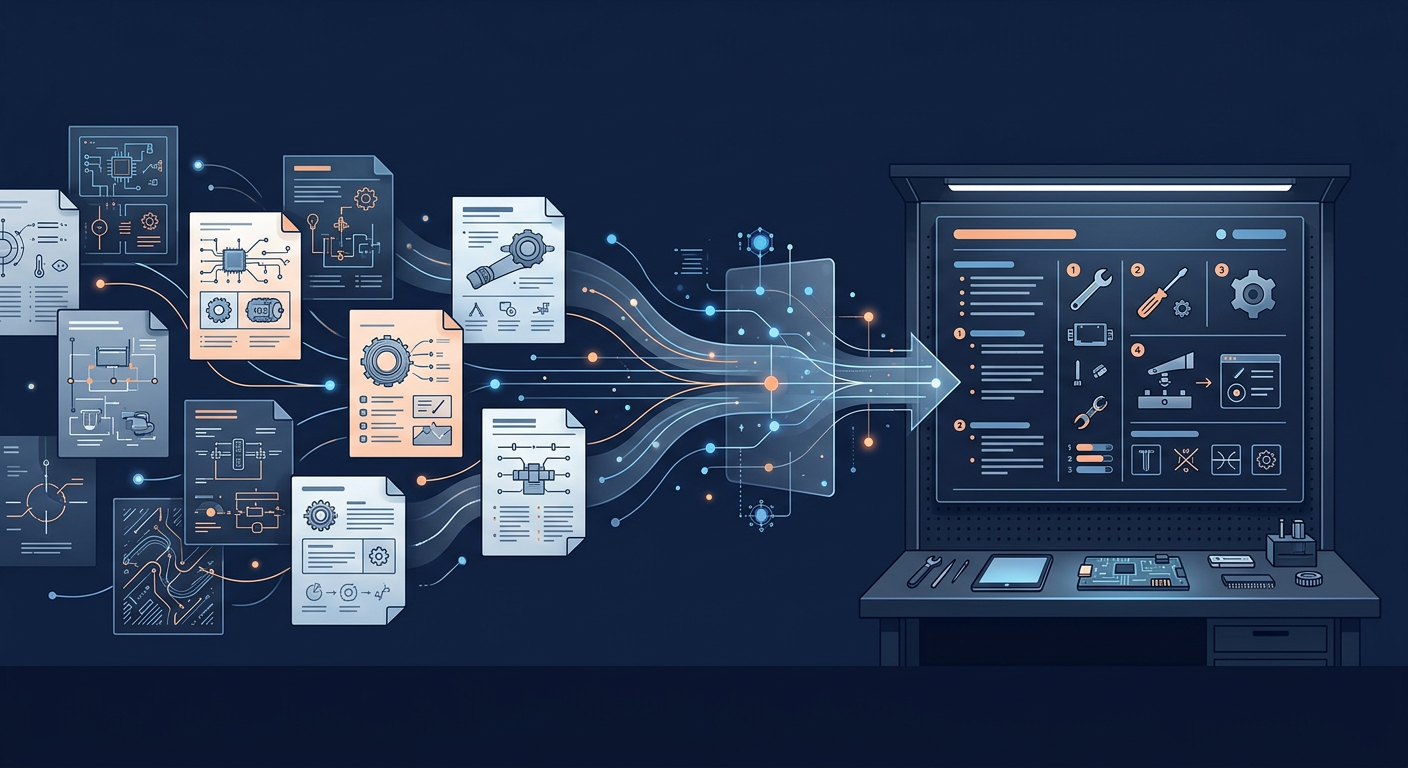
AI for generating work instructions: how it works and what it costs
How AI-driven generation of work instructions actually works in mid-size manufacturing. Pipeline architecture, cost categories (pilot PLN 30 to 70k, full deployment 4 to 6 months), when ROI lands under 18 months, when to skip.